Figma
A short explanation of Figma in our glossary
Figma is a web-based tool that lets several people design user interfaces together. It began gaining popularity right after its launch, because Figma supported all the common operating systems. Over time, thanks to its steady development and growing feature set, Figma became the absolute favourite in the design community.
Features such as collaboration and real-time data storage save a great deal of time when working with Figma. Because every team member has the same access to the work, everyone can always be on the same page. A designer, a developer and a product manager can all work on the same task at the same time.
At twigbit we try to get the most out of Figma. Working with components is the foundation for fast, high-quality design iterations. Thanks to components, we can change repeating elements of a screen with a single click. This feature is especially useful when working on large projects with hundreds of screens and thousands of identical interface elements.
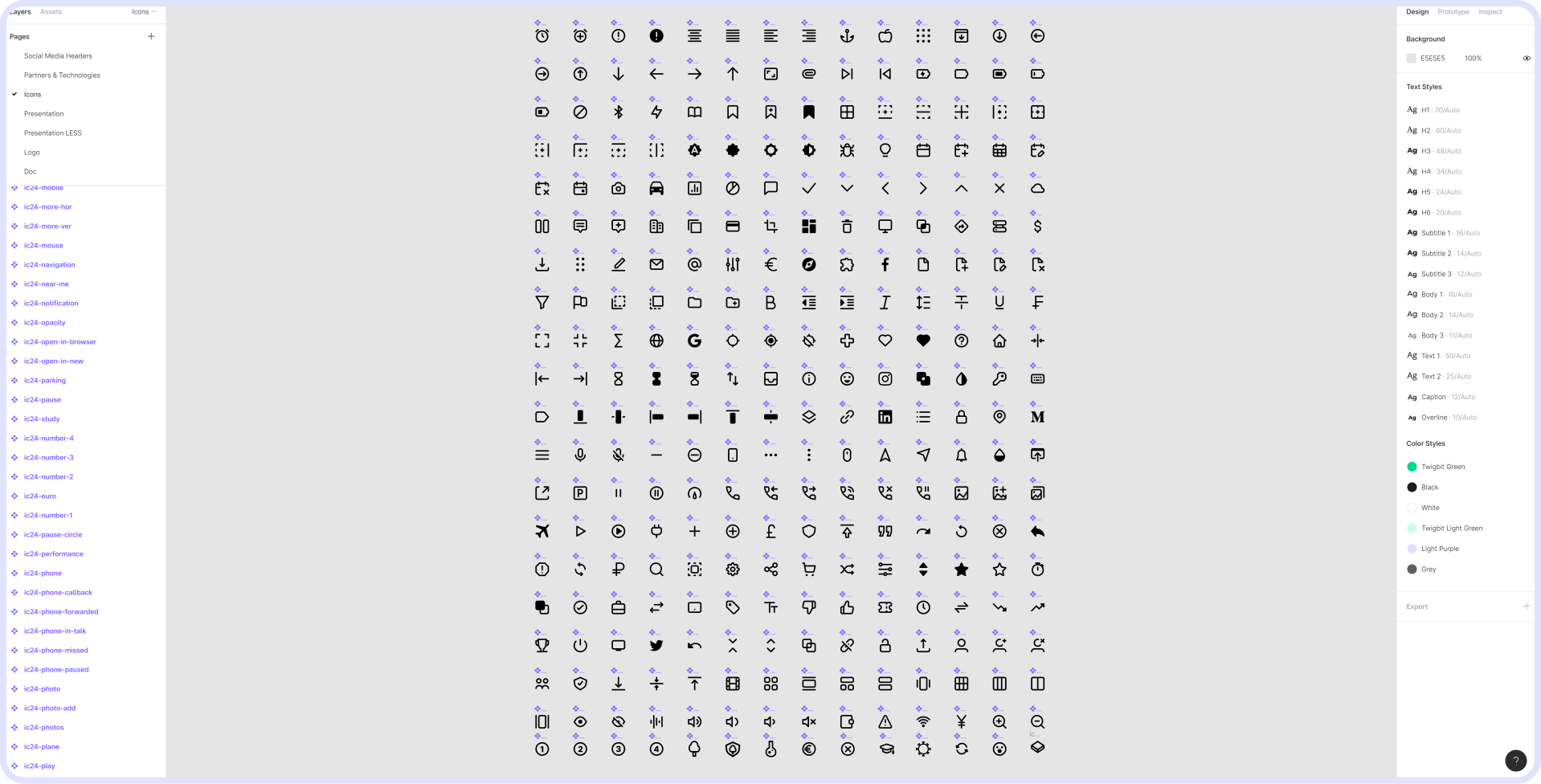
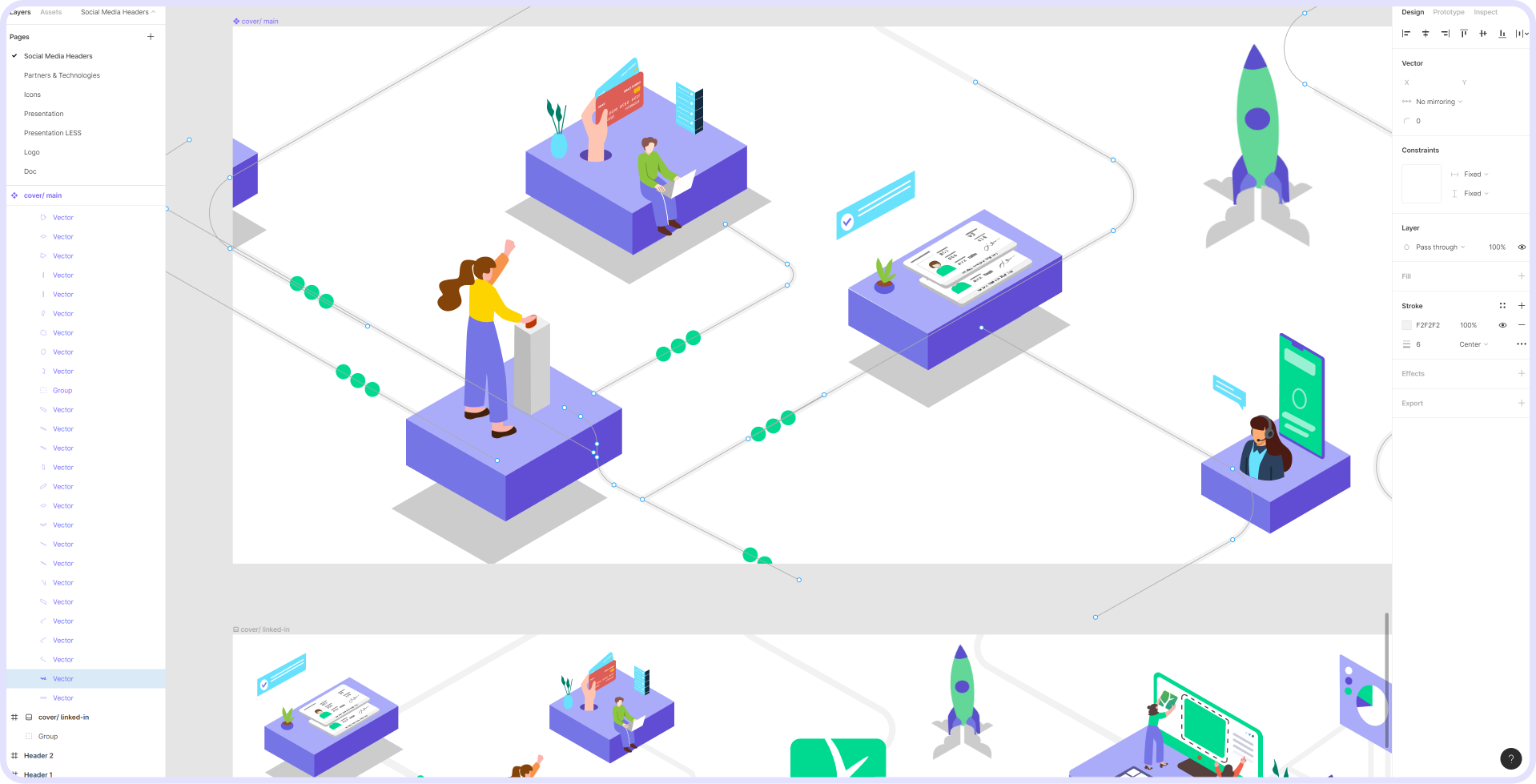
Another important feature of Figma is the ability to work with vector files. Instead of using additional applications like Adobe Illustrator, you can create and edit vector illustrations and objects directly in Figma. This not only saves time but also allows developers to make small creative tweaks quickly and successfully.
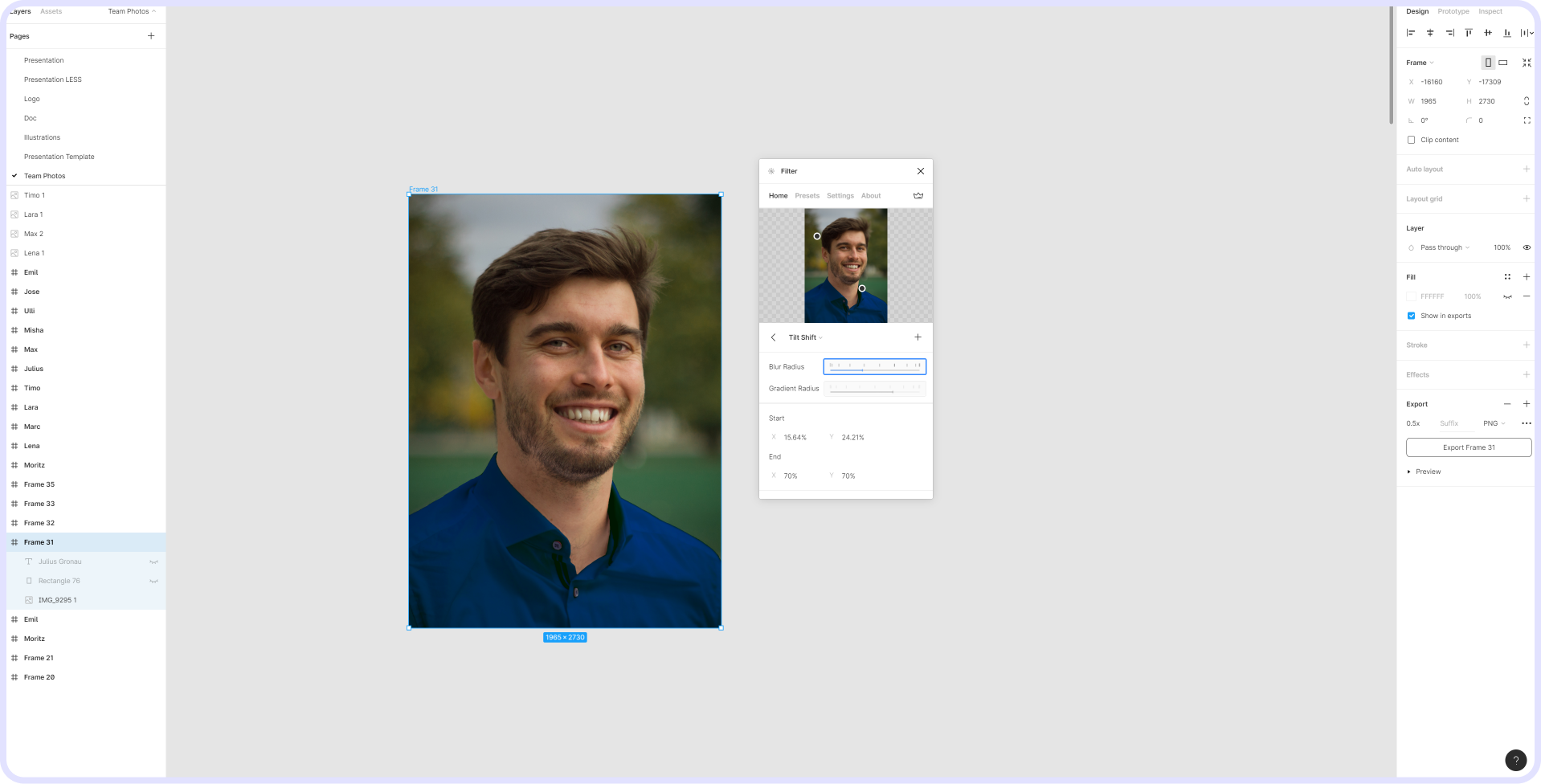
But there's more that makes Figma special — external plugins. Plugins are independent applications that add extra functionality to the tool. They are created by users and made publicly available in the Figma store. They number in the hundreds and turn Figma into an extraordinarily versatile design application — animation, photo retouching, exporting files in various formats, communication and prototyping: the use cases for Figma are countless.
For all the reasons above, Figma is the number-one tool for designers around the world. Freelancers and sole traders, startups and large companies like GitHub and Airbnb use it every day.
What work could agents take off your team?
Bring one recurring workflow or a product idea. Thirty minutes, an honest assessment, a clear next step.